
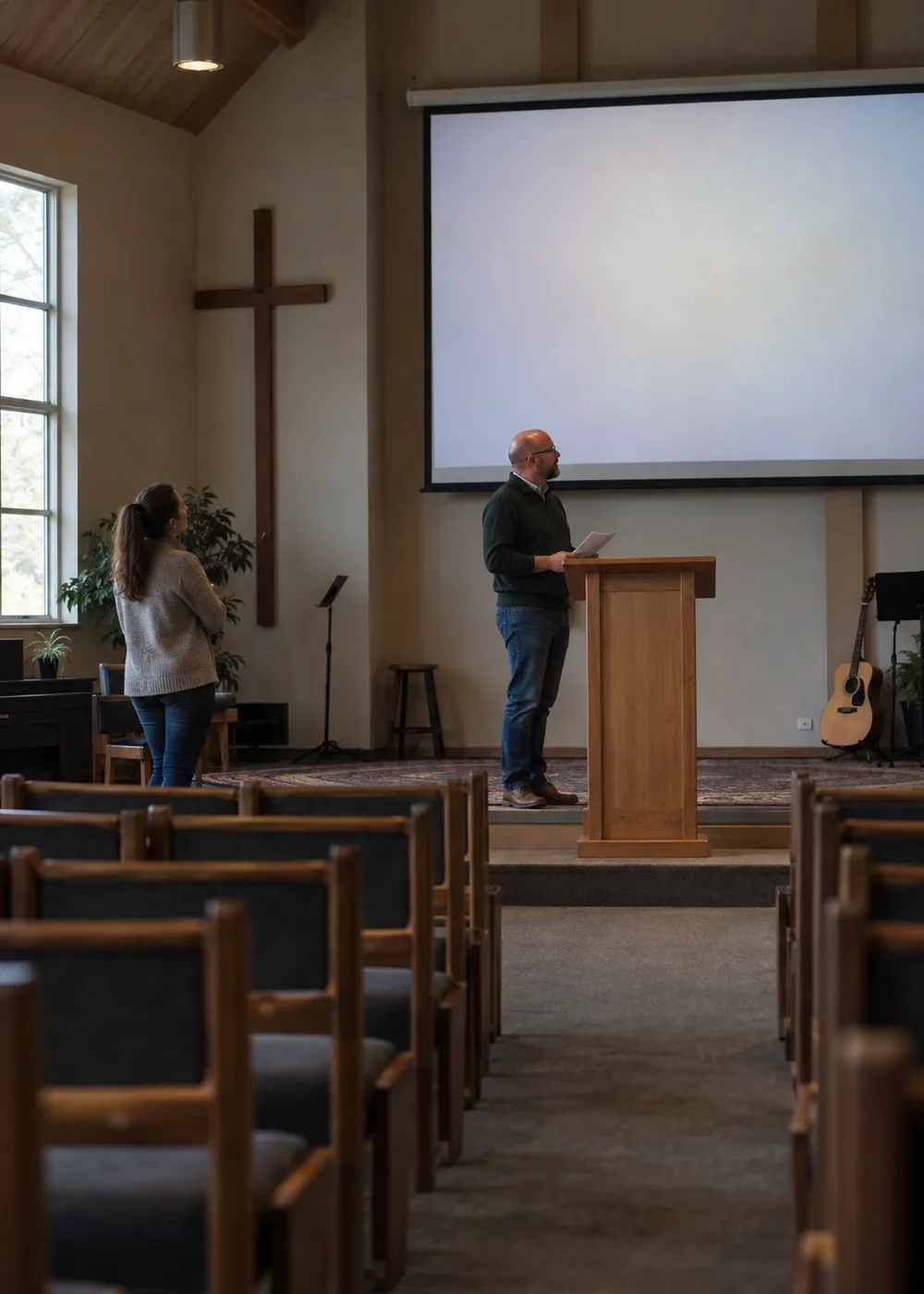
What belongs on a sermon slide is whatever the congregation needs to see while you are speaking. Most of the rest is you talking, and the screen is not the place for it. Here is one minute of a sermon on Mark 4:35–41, with every line asked that question.
The screen keeps the one people need in front of them
Read the shortened sentence before you send it
Before the deck goes to whoever is running projection this Sunday, read the shortened sentences on their own. Would you say them that way without the paragraph around them? A few words cut to make something fit can change the claim. For a line about suffering, check whether the shorter version promises something you would not promise from the pulpit.
Then take each proposed slide and ask a narrower question: what does someone need to see while you are saying this part? A comparison is easier to follow with both statements visible. A verse you are about to work through line by line needs to be in front of people. Very little else clears that bar.
It is difficult for many people to read text and listen to a speaker at the same time. That is the reason the web standards body gives for limiting text on a slide at all. A crowded slide does not give the congregation more. It asks them to choose.
Should the whole sermon appear on the slides?
Usually not. Keep the references and the words the congregation needs in the moment, and leave the fuller explanation with the preacher. Anything a person would miss if the slide is hard to read has to be said aloud as well.
An illustration usually belongs in the telling rather than on the screen, because a picture of where the story is going takes the ending away before you get there. If you want the screen to hold a place during a long illustration, give the deck a blank slide rather than asking for a blank key. A blank slide is in the sequence, so nobody has to remember it under pressure and a mis-hit key cannot put your notes on the wall.
Give the Bible reading enough room
Use the translation agreed for the service. Check every quotation against that Bible, even the ones you copied out of your own sermon notes, and keep the passage reference and the translation name readable on the slide. Make sure the person reading aloud knows which version is on the screen behind them.
Project the passage only if people are meant to read it there. If the congregation is following in their own Bibles, the reference may be enough. Break a longer reading where the thought allows a pause, then read across the breaks yourself before you hand the file over. A break that fits the layout can still cut a sentence in half. If you put up a paraphrase, label it as one, and keep your own explanation visibly separate from the Bible text.
What background works best for sermon slides?
A plain one, unless the picture is doing work the words cannot. If you use a photograph, check the words against its lightest and its busiest areas before you trust it.
One picture is several backgrounds
The pale cornerReadable, and this is the part you were looking at when you chose the picture.
The middleStill legible, but the reference under it is already working harder than the headline.
The busy edgeThe letters have no steady background to sit on. Some of them disappear, and the reference goes first.
Say the reference aloud as well as showing it. The same W3C guidance asks a speaker to cover everything the slide carries in what they say, which does not mean reading it out word for word: it means that someone who cannot see the projection still gets the content. That happens while you are speaking, so it has to be planned before you stand up.
How many slides does a sermon need?
Count what people need to see, not how long you will be speaking. A thirty-minute sermon does not need thirty slides. The passage usually takes the largest share of whatever the count turns out to be, which is not a contradiction of the first panel: what was struck there was your summary of the passage. The passage itself is the one thing the congregation may need in front of them word for word.
A blank screen is a slide decision too. Naming the moments when the screen should go dark is what stops the last point sitting up there through the prayer.
01 the reference · 02–04 the reading · 05 blank through the illustration · 06 a labelled summary · 07 the sermon’s question · 08 verse 41 again · 09 blank · 10 the application
When you have a draft, rehearse the changes and take one slide away at a time. If nothing is lost by its absence, it was never doing work.
Thinking through Mark 4:35–41
We have been in Mark 4:35–41 since the first panel. Suppose the sermon follows the disciples’ fear in the storm through to their question about who Jesus is.
Begin with the passage reference while people find their place. Assume they are following in their own Bibles, and add Scripture slides where they need the words projected in front of them.
After the reading, would you put “Jesus calms our storms” on the screen? Pause there.
The sentence that did not go up
Jesus calms our storms
An application in your own words, alone on a screen without the qualification you would give it aloud.
Read that struck line as a person in the third row whose diagnosis came back on Thursday. Mark records Jesus calming that sea and then asking the disciples about their fear. He does not promise that the next storm ends this week, and a slide cannot add the sentence you would have said.
For this sermon, keep “Who then is this?” visible while you explain what the disciples have just witnessed, with the reference and translation beside it. A brief summary of the storm, Jesus’ authority and the disciples’ question may help, as long as the slide says it is a summary. Ask “What does trusting Jesus mean when we are afraid?” only if that is where the sermon has actually arrived, and leave room in the answer for people who are still in the storm. You make that room out loud, in the seconds after you ask.
None of which settles what you preach. Some churches will put a declared promise on the screen deliberately, and mean it in the present tense. If that is your sermon, put it up and then say the qualifying sentence aloud while it is still on the screen, because the slide will outlast your voice by several minutes.
Trying AI for a first slide outline
A first outline is a reasonable place to try AI in sermon preparation. Give it notes you have already settled and ask for a proposal. You might keep its headings and reject its application question. Then read the proposal against your notes for what is missing rather than what is there. A shorter heading may have dropped the reason for an application, or turned a qualified claim into an absolute one.
Check every suggested Bible quotation against the translation your church is using. The pastor makes the final decision about what the congregation receives.
Check it in the room you will preach in
Test the deck with the room lights set for the service, not with the house lights up and the blinds closed. Then walk to the back and look at the screen from where the last row actually sits.
Read the smallest reference from the back row, with the service lights on.
The translation label and the verse numbers were sized on a laptop half a metre from your face.
Read the longest line on any slide from the same spot.
One line wraps into three and pushes the last words off the bottom of the screen.
Read the words that sit over an image, at the brightest hour of the day.
The projector is fighting a window that was shuttered at rehearsal and open on Sunday.
Ask someone who finds the screen hard to read to look with you, and go together: the back row and the desk are not the same seat, and one person cannot check both. Your eyesight settles the question for one person in the building.
What font size should sermon slides use?
There is no single answer, because screen size, room length and projector brightness all move it. The W3C asks for text big enough to be read from the back of the room and deliberately gives no point size, which is the honest position: the room decides, so the room is where you measure.
Hand it over so someone else can follow
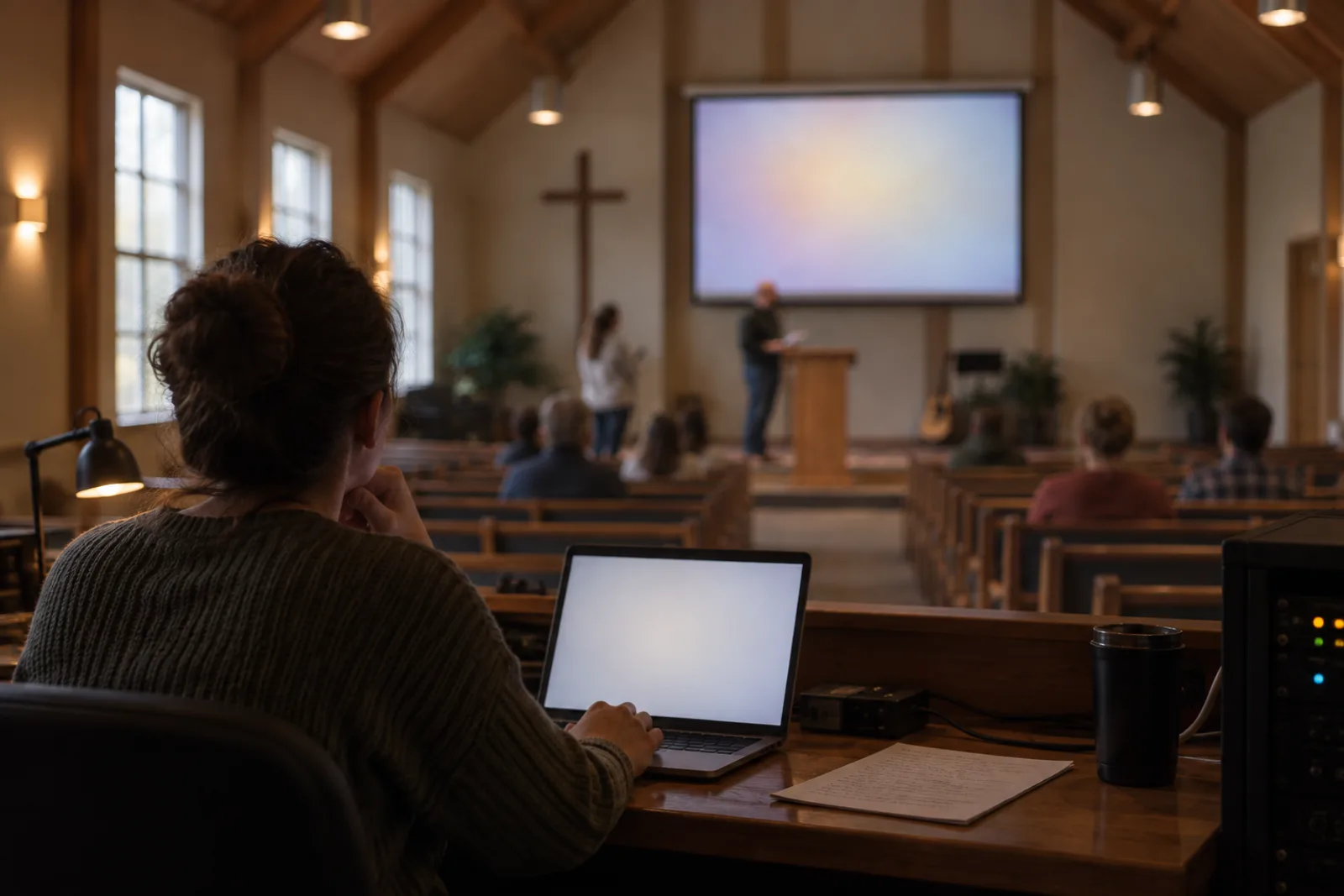
Either of you can build the deck, as long as the wording that reaches the screen is the wording the pastor approved. When a volunteer is building the slides, mark the exact text you want displayed in the notes you send. A half-written reminder is enough for you and not enough for anyone else, and the gap between the two is where a paraphrase quietly becomes the quotation on the screen.
Then run the sequence once with the person advancing the slides. Tell them the words to listen for before each change, where a slide should stay up through an illustration, and when the display should go blank.
The note that goes with the deck
For whoever is on projectionService Sunday, 10:30File mark-4-v3, and v2 is out of date
- Slide 1 goes up before I start reading and stays while people find the place. Display exactly Mark 4:35–41 and nothing else on that slide.
- Slides 2 to 4 are the reading. Change on my voice, not on the paragraph: I will pause at and they were filled with great fear.
- Go to black for the illustration after slide 4. It runs about two minutes. I will say back to Mark when I want the next one.
- Slide 7 is the question and it stays up for a while. Display exactly Who then is this? with Mark 4:41, ESV under it.
- Slide 8 repeats verse 41 in full. I would rather have a second copy here than ask you to jump backwards.
- Anything I have not named changes on the obvious break. If you are not sure, stay where you are rather than guess forward.
- If I lose my place, leave the slide where it is. I will name the next one. If mark-4-v3 will not open, text me before 9:30 and I will preach it without the screen.
Ask which changes are hard to follow, and fix the cue while you still have time to talk about it.
What if the wrong slide is up while you are preaching?
Say the words anyway and keep going. The pause costs you more than the wrong slide does. If the slide openly contradicts you, name the slide and not the person, once and plainly, and carry on.
Agree the recovery beforehand, because it has to happen in a second: forward to where you are, never backwards through the deck, and a blank screen if they cannot tell where you are. The hunt is louder than the mistake.
When should the slides be finished?
Early enough to run that sequence once, which in practice means naming a day and keeping it. Thursday leaves room for a change. Saturday night does not. Keep one file, in one place you can both reach, and make the rule that after your deadline nothing changes without a message saying so. A second attachment on Sunday morning is the fault the volunteer cannot recover from.
A deck that gets the division right can be perfectly plain and still serve the sermon. One that gets it wrong cannot be styled back into usefulness, because the fault was never in how it looked.
When the same few people do everything at church, on the work the roster does not record for the person at that desk. Or turning one sermon into Sunday School, small-group and youth lessons, or AI for churches: twelve practical uses and clear boundaries.
Sources
- W3C Web Accessibility Initiative, Accessible Presentations
Primary guidance for limited text, sufficient contrast, readable type and checking from the back of the room. It sets out principles rather than a universal font size.
- ESV, Mark 4:35–41
The passage used for the worked example. The example is illustrative and is not a report of any church service.